Everyday tech
Smartwatch specs explained: what the numbers actually mean
Smartwatch listings are some of the busiest in tech. Screen sizes, sensor lists, battery figures, water resistance codes and app features all compete for attention. Most of it is useful, but only some of it will matter to you.
This guide explains each common spec in plain terms, so you can decide which ones to care about and which ones to skim.
Smartwatch or fitness band?
The first decision is the type of device, and it shapes everything else.
A fitness band is slim and light, with a small screen. It focuses on steps, heart rate, sleep and notifications. Batteries often last a week or more.
A smartwatch has a larger screen and does more: apps, maps, music controls, contactless payments on some models, and more detailed workouts. The trade-off is battery life, which can range from one day to several, depending on the model and settings.
If you mostly want to track activity and sleep, a band may suit you better. If you want your wrist to do more of what your phone does, a smartwatch is the right type. You can compare both in Wearables & Fitness Tech.
Phone compatibility comes first
A smartwatch is only as useful as its connection to your phone. Before looking at any other spec, check that the watch's companion app supports your phone and its operating system version.
Some watches work only with one phone platform. Others work with several, but offer fewer features on some. Messages, calls and app support are the features most often affected. On every product page, we put the compatibility line near the top. If it reads "Not confirmed", check the retailer's listing before you order.
Screen size and type
Screen size is usually given as the case size in millimeters or the screen diagonal. A larger screen is easier to read and to tap, but the watch is heavier and may not suit a smaller wrist. If you can, compare the case size to a watch you already own.
Screen types differ too. Bright, high contrast screens are easier to read outdoors. Some screens can stay on all the time, which is convenient but uses more battery. Look for a brightness figure or an always-on option in the specs.
Battery life
Battery figures are measured under typical use, but typical can mean many things. A watch rated for seven days may last three if you use GPS workouts daily and keep the screen on. Use the battery figure to compare products, not as a promise.
Also check how the watch charges. Most use a magnetic charger or a small dock that is specific to the model. It is worth knowing how long a full charge takes, and whether a short top-up gives a useful amount of time.
Sensors
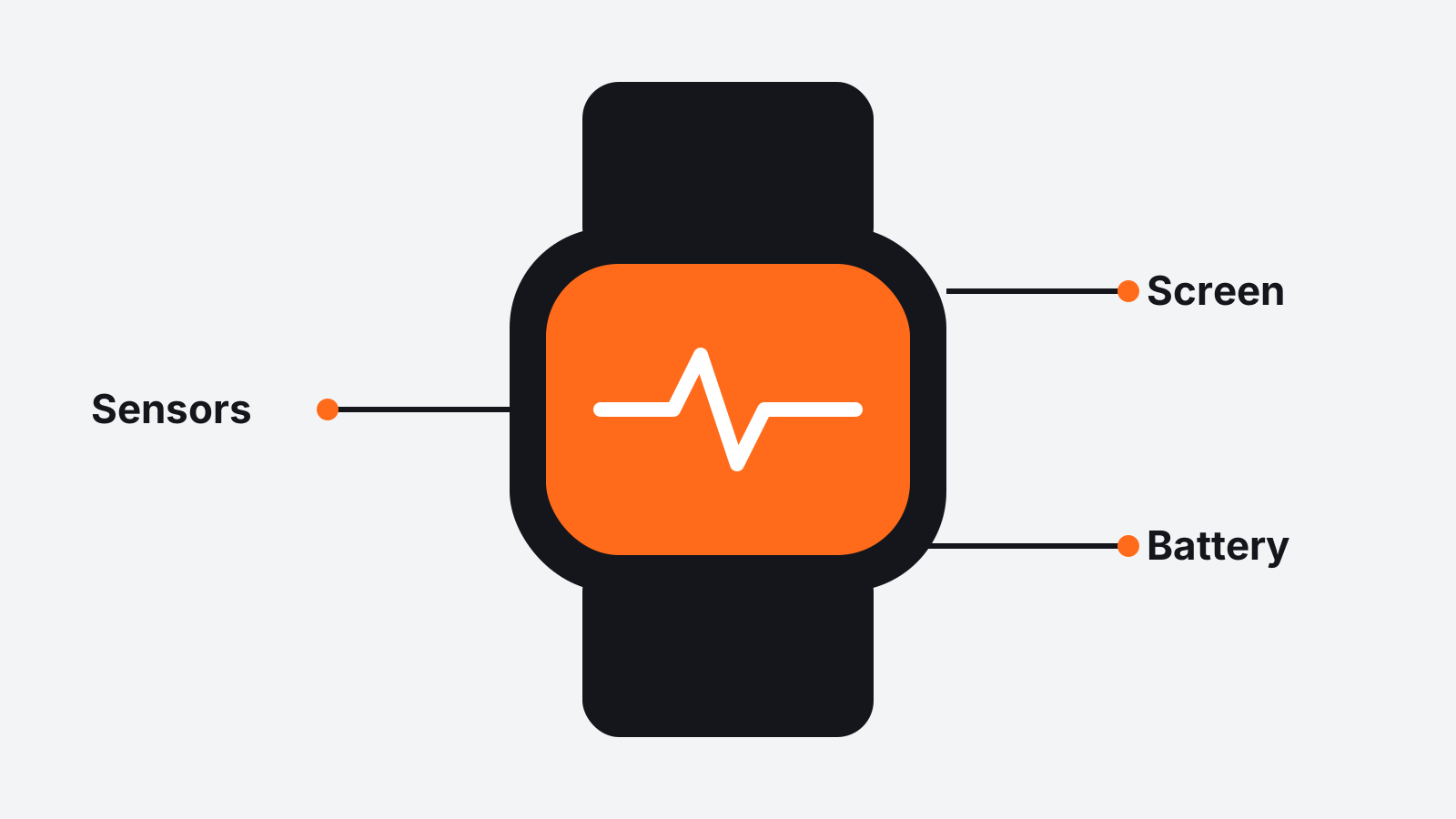
Sensor lists are long, so here are the common ones and what they do.
Accelerometer and gyroscope. These count steps and detect movement. Every fitness device has them.
Heart rate sensor. An optical sensor on the back reads your pulse. It is used for workouts, resting heart rate and sleep tracking.
GPS. Built-in GPS tracks runs, walks and rides without carrying your phone. Some cheaper devices use your phone's GPS instead, which means bringing the phone along.
Blood oxygen and other health sensors. Some watches include additional sensors. Treat these as general wellness features, not medical tools, and follow the maker's guidance.
Barometer or altimeter. These measure elevation, which is useful for hiking and counting floors climbed.
If you only want steps and sleep, you can ignore most of this list. If you run or cycle, built-in GPS is worth looking for.
Water resistance
Water resistance is given as a code or a depth figure. The two you will see most often are a dust and water code, such as IP68, and a depth figure in meters or atmospheres, such as 5 ATM.
In everyday terms, most watches with these labels handle rain, hand washing and sweat. For swimming, look for a depth figure of 5 ATM or more, and check that the maker lists swimming as a supported activity. Hot water, saunas and high pressure water sports are often excluded, so read the maker's guidance.
Straps and fit
A watch you wear all day needs to be comfortable. Check whether the strap size is listed and whether the watch uses a standard strap width, which makes replacements easier to find. Silicone straps suit workouts. Fabric or leather straps can be more comfortable for daily wear.
Notifications and apps
Most watches show notifications from your phone, but the details vary. Some let you reply with quick messages, others only display them. Some support third party apps, others have a fixed set of features. The listing usually states this, and the companion app's page often has more detail.
A simple way to compare
When you have two or three watches on your list, compare them in this order:
- Phone compatibility.
- Type: band or smartwatch.
- Battery life with the features you will use.
- Sensors you actually need, such as GPS for running.
- Water resistance for your activities.
- Strap size, comfort and the charger included.
Our Wearables & Fitness Tech page lists the type, connectivity and compatibility of each product, with a comparison table at the bottom. If you are buying a watch as a gift, our guide for parents 55+ has setup tips that make the first day easier.
The best smartwatch is the one you forget you are wearing until it does something useful. Matching the specs to your day is how you find it.