Spec reading basics
How to read a charger label: watts, volts and ports explained
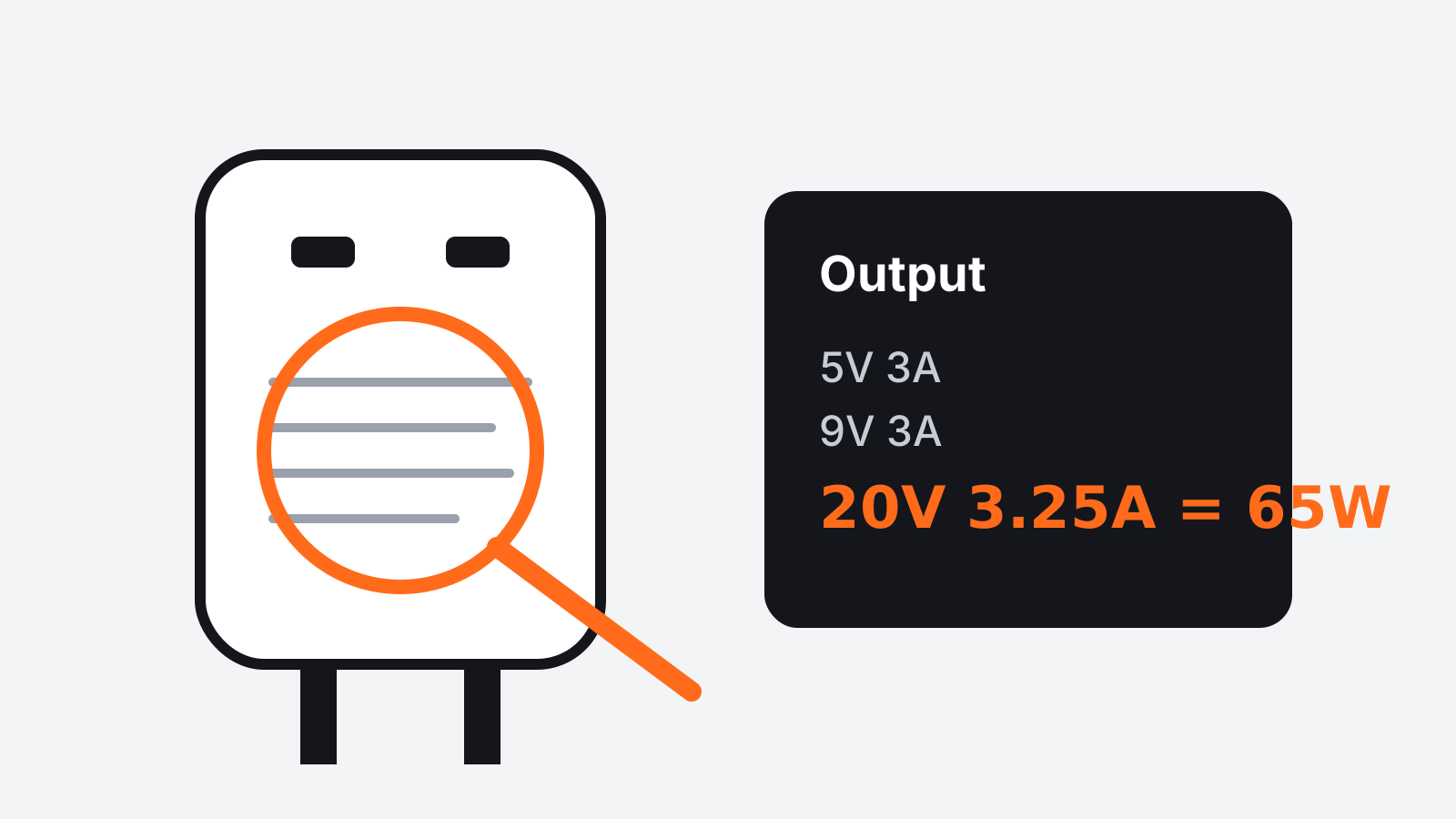
Every charger has a small block of text printed on it, usually in a light grey that is hard to read. That text tells you almost everything you need to know about whether the charger will suit your devices. Once you know what each part means, choosing a charger becomes much simpler.
This guide goes through a typical label line by line, then explains how to match a charger to a phone, a tablet or a laptop.
Input: what the charger takes from the wall
The input line usually looks something like "Input: 100 to 240V, 50/60Hz". This describes the power the charger accepts from the outlet.
A range of 100 to 240 volts means the charger works in most countries, as long as you use the right plug or a simple plug adapter. You do not need a voltage converter. If the input lists a single voltage, such as 120V only, the charger is meant for one region and should not be used abroad without checking.
The frequency, 50 or 60 hertz, matches the two common standards around the world. Most modern chargers accept both.
Output: what the charger gives your device
The output line is the important one. It often lists several combinations, such as "5V 3A, 9V 3A, 15V 3A, 20V 3.25A". Each pair is a voltage and a current that the charger can supply.
Multiply the two and you get watts. In this example, 20 volts at 3.25 amps is 65 watts, which is the charger's maximum output. Many listings print this maximum on the front of the box, but the label is the reliable source.
Your device and the charger agree on the right combination automatically. You do not need to choose. What you need to check is that the charger can reach the combination your device wants for fast charging.
Watts: the number that matters most
Wattage is a shortcut to charging speed. A phone that supports 25 watt charging will charge at up to that speed on a charger that offers 25 watts or more. On a 10 watt charger it will still charge, just more slowly.
A higher wattage charger is safe to use with a lower wattage device. The device only draws what it needs. A 65 watt laptop charger can charge a phone, and in most cases it is a sensible way to carry one charger instead of two.
The reverse is where problems appear. A laptop that needs 65 watts may charge very slowly, or not at all while in use, on a 20 watt phone charger.
Ports: USB-C and USB-A
Most new chargers use USB-C ports, which are small, oval and reversible. Older chargers and some cars still use USB-A, the larger rectangular port.
Fast charging for phones and laptops is now mostly done over USB-C. If you are buying a new charger, USB-C is the safer choice. If you still own devices with USB-A cables, a charger with one of each port can be a practical bridge.
When a charger has more than one port, read how the power is shared. A charger labeled 65 watts may give 65 watts to one port, but only 45 and 20 when two devices are plugged in at once. The split is often printed on the label or in the listing, and it matters if you plan to charge a laptop and a phone together.
Charging standards
You will see standard names on many listings. They describe the method the charger and device use to agree on a faster speed. The most widely supported one for USB-C is a common power delivery standard used by most phones, tablets and laptops. Some phone makers also use their own methods for their fastest speeds.
The practical rule is this: if your device and charger both list the same standard, you will get fast charging. If they do not, you will still get a basic, slower charge. The compatibility line on each product page notes the standards a charger supports, and "Not confirmed" means it is worth checking the retailer's spec sheet.
The cable matters too
A charger can only deliver what the cable allows. Most USB-C cables carry up to 60 watts. Cables that carry more, often up to 240 watts, are marked as such and are needed for some laptops. If your laptop charges slowly on a new charger, the cable is a common cause.
Check the "What's included" section to see whether a charger comes with a cable. Many do not, and a good cable adds to the real cost.
Safety marks and build
Labels also carry safety and certification marks. They show that the charger was tested against electrical safety standards in a particular region. We do not test products ourselves, so we list what the maker states. If a charger has no certification marks at all, that is a reason to look elsewhere.
Good chargers also stay reasonably cool. A charger that becomes too hot to hold, smells of burning or makes a buzzing sound should be unplugged and not used again.
Matching a charger to your devices
Here is a simple way to choose:
- Find the fastest charging speed each of your devices supports. It is usually in the device's spec sheet or settings.
- Add up the watts if you want to charge several devices at the same time.
- Choose a charger whose total output covers that figure, with USB-C ports for newer devices.
- Check the per-port split if you will use more than one port.
- Make sure you have a cable rated for the wattage you need.
For most people with one phone, a 20 to 30 watt USB-C charger is plenty. For a phone and a small laptop, a 65 watt charger with two ports is a common and flexible choice. For larger laptops, check the exact wattage the laptop's original charger provides and match it.
Where to start
Our Chargers & Power Banks category lists the type, ports and price of each charger, with a comparison table at the bottom. If you are buying for travel, our 11.11 shopping guide covers power banks and airline limits too.
Once you can read the label, you rarely need the marketing text on the box. The small grey print tells you what you need to know.